



Details
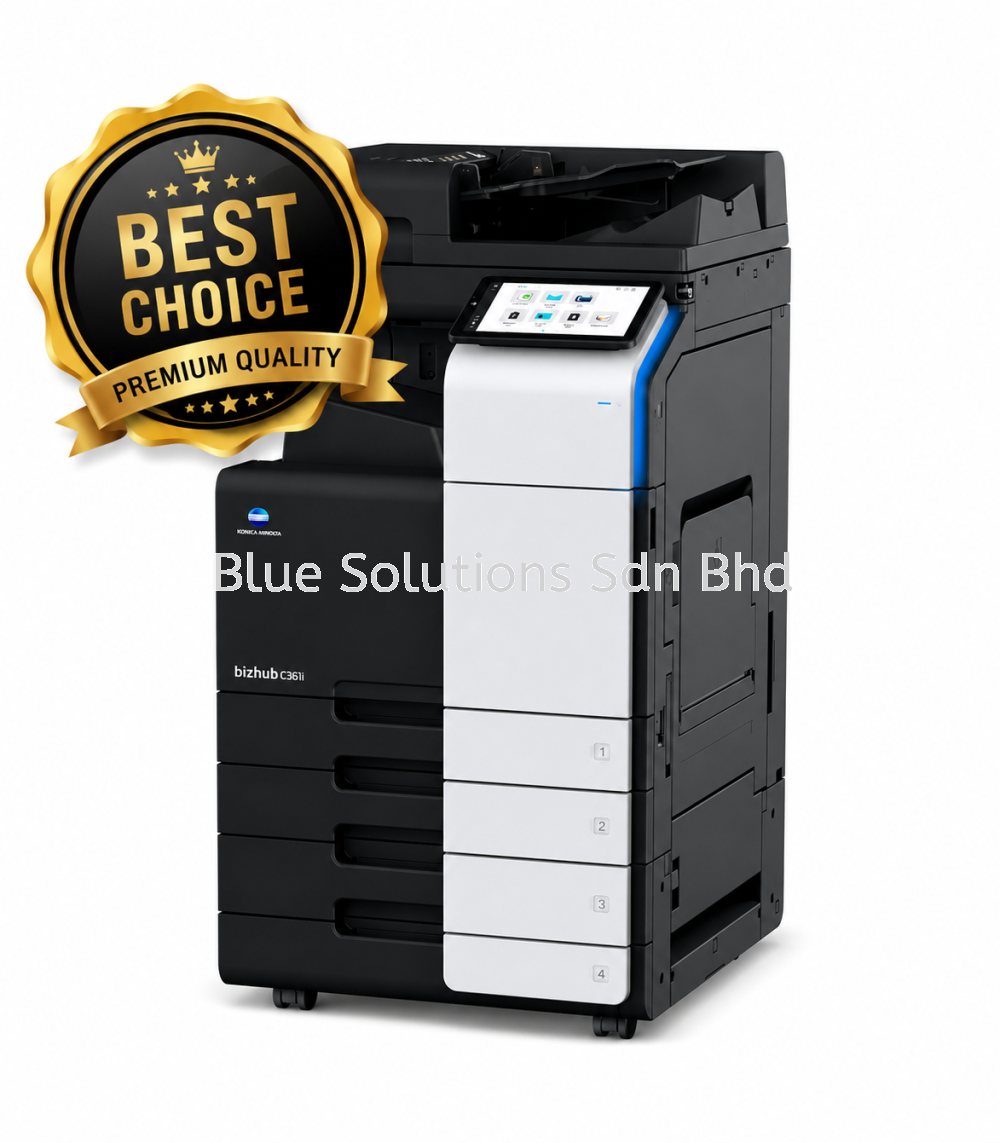
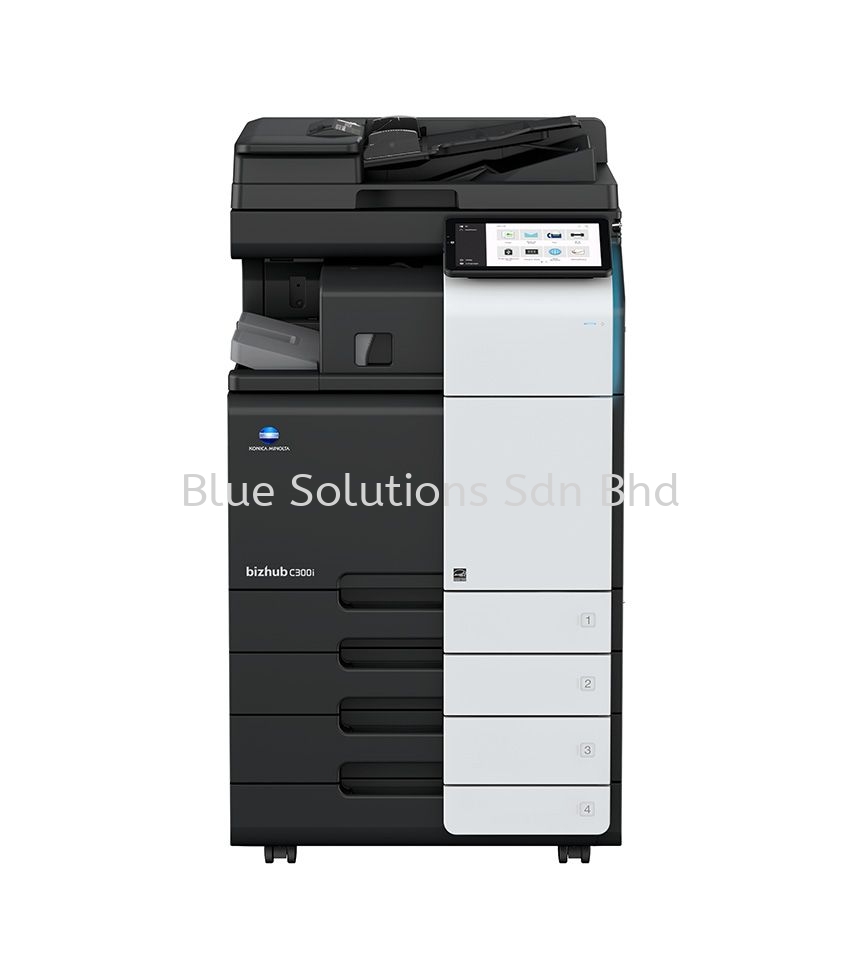
The Bizhub C361i, C301i, and C251i are feature-rich A3 colour multifunction printers designed to streamline busy office workflows. This family delivers crisp colour quality, dependable production speeds, and versatile document handling, including scanning, copying, printing, and optional fax. With robust security options, energy efficiency, and intuitive control via a modern touchscreen, these devices suit small- to mid-sized teams seeking professional output without sacrificing reliability or ease of use. They support mobile and cloud printing, helping teams stay productive across locations and devices.
Performance & Specifications
| Feature | bizhub C251i | bizhub C301i | bizhub C361i |
|---|---|---|---|
| Print Speed (A4 Colour/B&W) | 25 / 25 ppm | 30 / 30 ppm | 36 / 36 ppm |
| A3 Print Speed (Colour/B&W) | 15 / 15 ppm | 15 / 15 ppm | 18 / 18 ppm |
| Scan Speed | Up to 200 ipm | Up to 200 ipm | Up to 200 ipm |
| First Page Output (B/W) | ~5.2 sec | ~5.0 sec | ~4.6 sec |
| First Page Output (Colour) | ~6.9 sec | ~6.7 sec | ~6.1 sec |
| Recommended Monthly Volume | ~16,000 pages | ~25,000 pages | ~33,000 pages |
| Max Duty Cycle | Up to 130,000 | Up to 150,000 | Up to 175,000 |
| Warm-Up Time | Approx. 11 sec | Approx. 11 sec | Approx. 11 sec |
| Memory / Storage | 8 GB RAM / 256 GB SSD | 8 GB RAM / 256 GB SSD | 8 GB RAM / 256 GB SSD |
| Print Resolution | Up to 1,200 x 1,200 dpi | Up to 1,200 x 1,200 dpi | Up to 1,200 x 1,200 dpi |
| Paper Sizes Supported | A6 to SRA3 | A6 to SRA3 | A6 to SRA3 |
| Paper Capacity | 1,150 (max 6,650 sheets) | 1,150 (max 6,650 sheets) | 1,150 (max 6,650 sheets) |
| Supported Paper Weight | 52–300 gsm | 52–300 gsm | 52–300 gsm |
| Dimensions (W x D x H) | 615 x 688 x 779 mm | 615 x 688 x 779 mm | 615 x 688 x 779 mm |
| Weight | Approx. 84 kg | Approx. 84 kg | Approx. 84 kg |
View more about Bizhub C361i/C301i/C251i A3 COLOUR Multifunctional Printers on main site