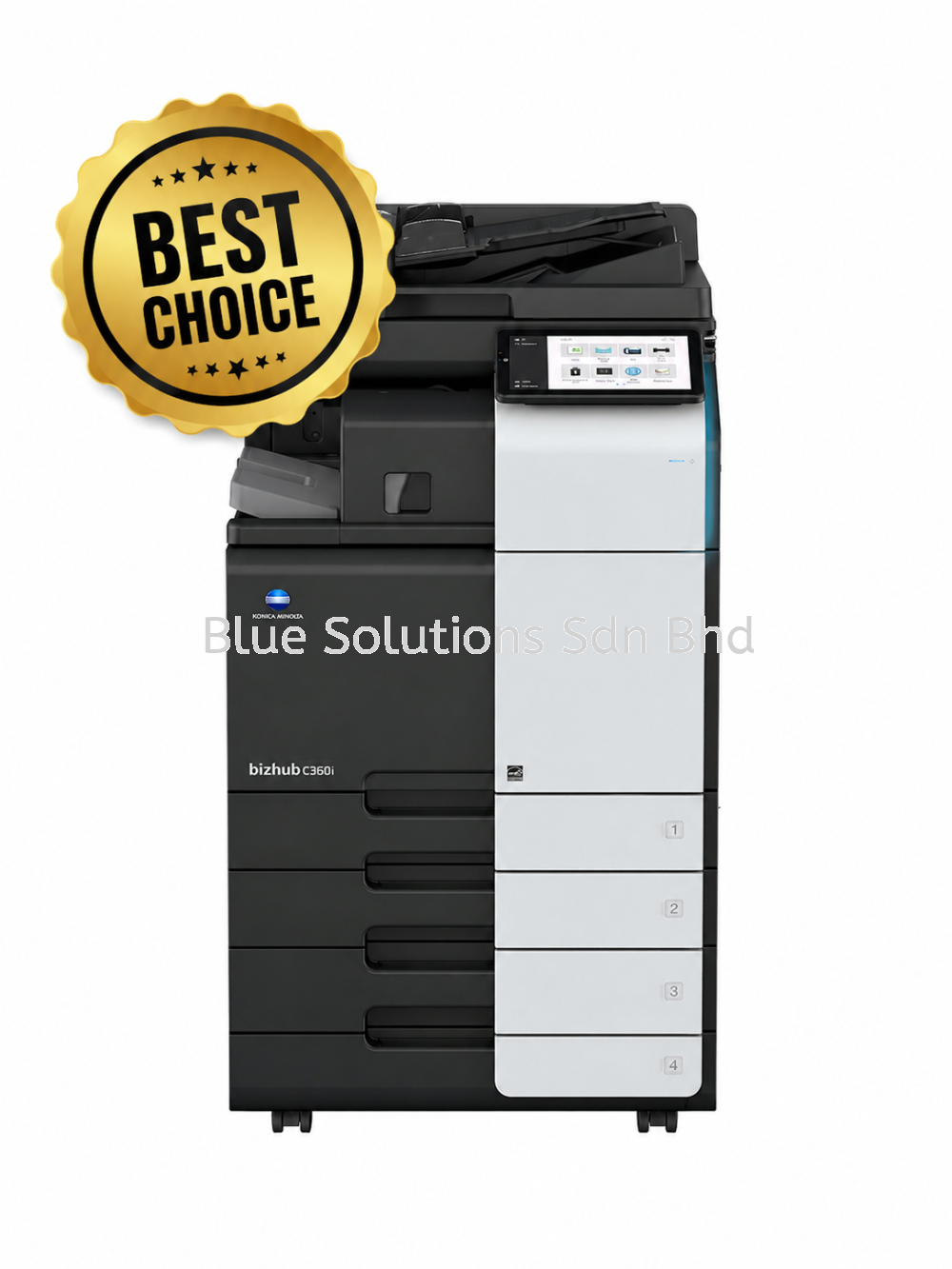
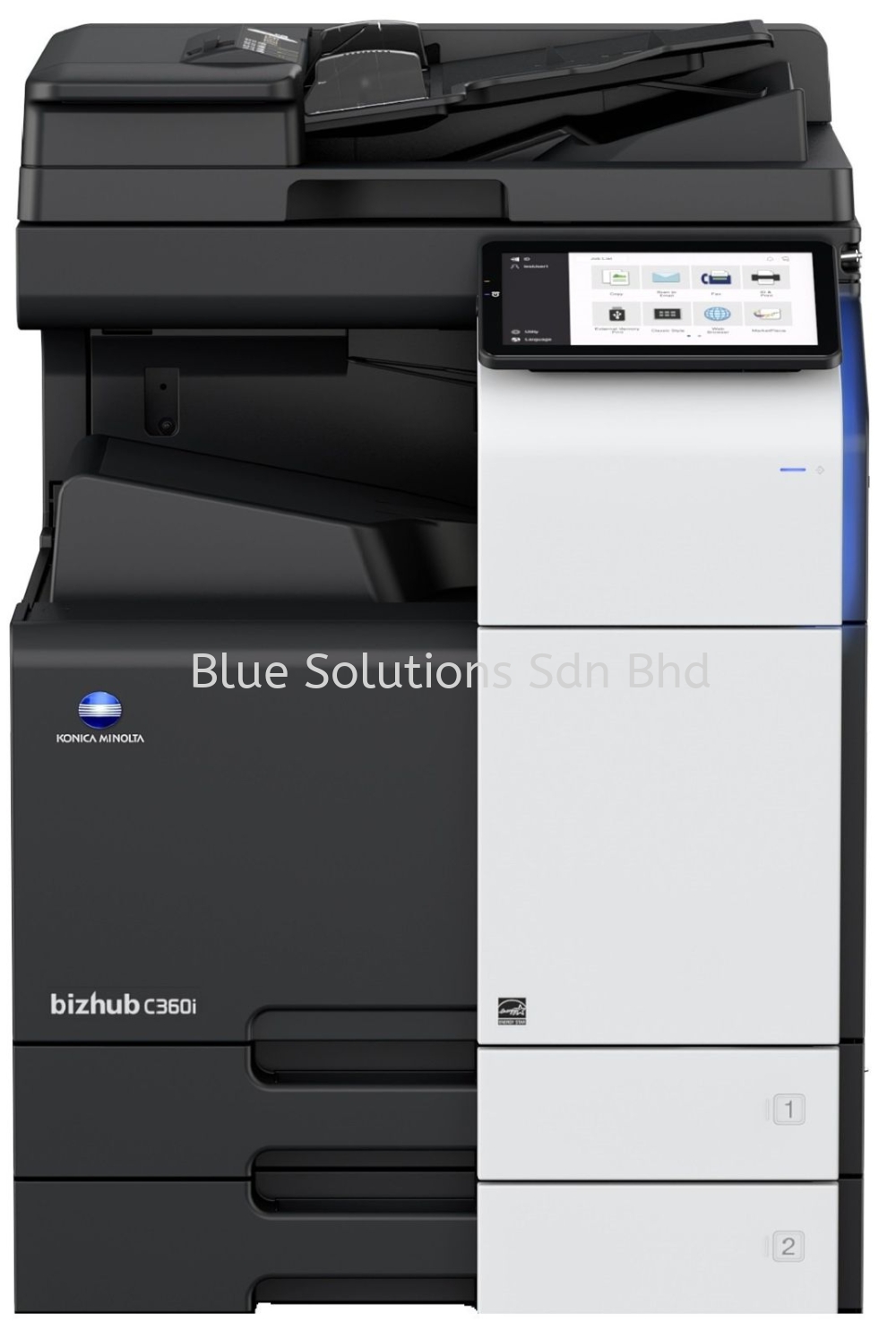
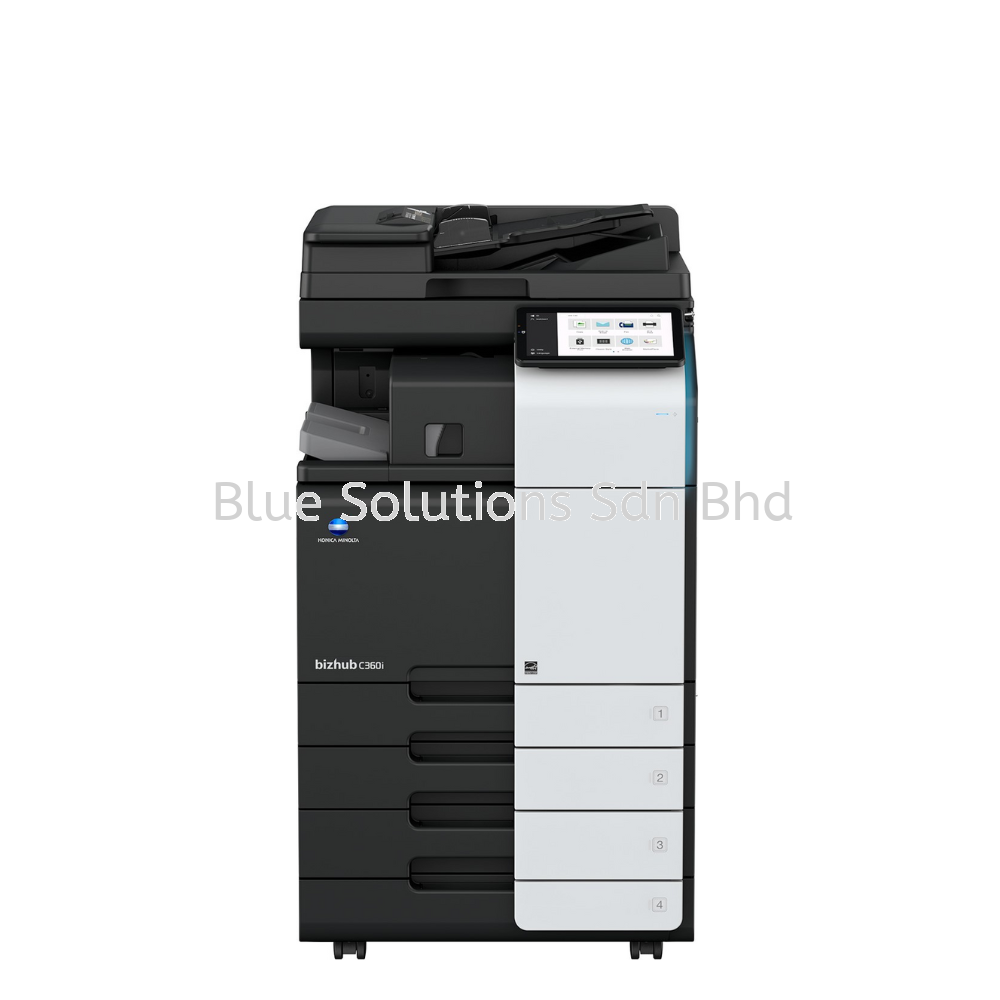
Bizhub C360i/C300i/C250i A3 Colour Multifunctional Printers

Bizhub C360i/C300i/C250i A3 Colour Multifunctional Printers


Specifications
Details

A practical buying guide for offices that need reliable A3 colour without over-engineering

Most organisations don’t fail at choosing printers because of brand. They fail because they overbuy features they never use or underestimate daily workflow friction.

The Konica Minolta bizhub C360i, C300i, and C250i are part of the i-Series range designed for modern offices that need usability, security, and solid colour output—without stepping into heavy production territory.

This guide helps you decide whether this series is the right operational fit for your office.

Who This Series Is Best For (and Who Should Look Elsewhere)

A strong fit if you:

  • Run a small to mid-sized office or department (10–50 users)
  • Need reliable A3 colour for reports, proposals, and internal materials
  • Want strong security without complex IT overhead
  • Value ease of use for mixed-skill users
  • Print moderate but consistent volumes

Probably not a good fit if you:

  • Run a high-volume print room
  • Need advanced finishing like saddle stitching at scale
  • Print mostly A4, black-and-white documents
  • Want the lowest upfront cost with minimal features

If your office treats printing as shared infrastructure—not a bottleneck—this is the segment these machines are built for.

Choosing the Right Model: C360i vs C300i vs C250i

The three models share the same platform. The difference is speed and throughput headroom.

Model A4 Speed (Colour / B&W) Best For
bizhub C250i 25 / 25 ppm Smaller teams, light A3 colour use
bizhub C300i 30 / 30 ppm General office & departmental sharing
bizhub C360i 36 / 36 ppm Busier teams, frequent colour jobs

Decision shortcut: Choose the slowest model that clears your peak queues. Speed over-buying rarely improves productivity.

Where the bizhub C360i Series Delivers Real Value

1. User Experience That Reduces Training & Errors

The 10.1-inch tablet-style touch panel is a genuine productivity feature:

  • Smartphone-like interface with multi-touch
  • Switchable Basic (simple) and Classic (advanced) UI modes
  • Adjustable tilt up to 90° for accessibility
  • Vibration feedback to assist visually impaired users
  • Front LED indicators that reduce forgotten printouts

For offices with rotating staff or non-technical users, this directly reduces friction.

2. Security That’s Usually Missing in This Class

Despite being mid-range devices, security is enterprise-grade:

  • 256 GB encrypted SSD (full-time encryption)
  • Secure print release via PIN
  • User authentication: password, IC card, NFC, or biometric finger-vein
  • Built-in Bitdefender antivirus scanning (optional)
  • Support for single sign-on (SSO) environments

This matters if documents include HR, finance, or client data.

3. Scanning That Actually Improves Workflows

With the Automatic Document Feeder:

  • Up to 200 images per minute duplex scanning
  • Double-feed detection to prevent missed pages
  • OCR to searchable PDF / Office formats
  • Scan to email, SMB, Box, USB, or URL

For offices still renaming files manually or re-scanning documents, this is a meaningful time saver.

4. Print Quality That’s More Than “Good Enough”

  • 1,200 × 1,200 dpi colour output
  • Simitri HD toner for smoother gradients
  • Supports long paper up to 1,200 mm
  • Handles mixed media and heavier paper with optional trays

This makes it suitable for client-facing documents, not just internal drafts.

Environmental & Operational Efficiency

  • Warm-up time ≤13 seconds
  • Sleep mode power consumption as low as 0.5 W
  • High recycled material usage
  • Multiple environmental certifications (Blue Angel, Eco Mark, RoHS)

These factors help reduce long-term operating cost—not just energy bills.

Frequently Asked Questions (FAQ)

Yes. With encrypted storage, secure authentication, and audit controls, it meets many compliance requirements.

Often yes. With high optional paper capacity and shared access, consolidation is common.

Yes. The Basic UI mode and guided on-screen workflows significantly reduce learning time.

Strong. Supports mobile printing (AirPrint, Mopria), cloud connectors, and modular upgrades.

View more about Bizhub C360i/C300i/C250i A3 Colour Multifunctional Printers on main site